
Today marks a significant step forward in web browsing with the introduction of ChatGPT Atlas, a revolutionary browser that integrates ChatGPT directly into your daily online experience. AI presents a unique opportunity to reimagine how we interact with the web, and Atlas brings this vision to life by embedding a true super-assistant that understands your context and goals.
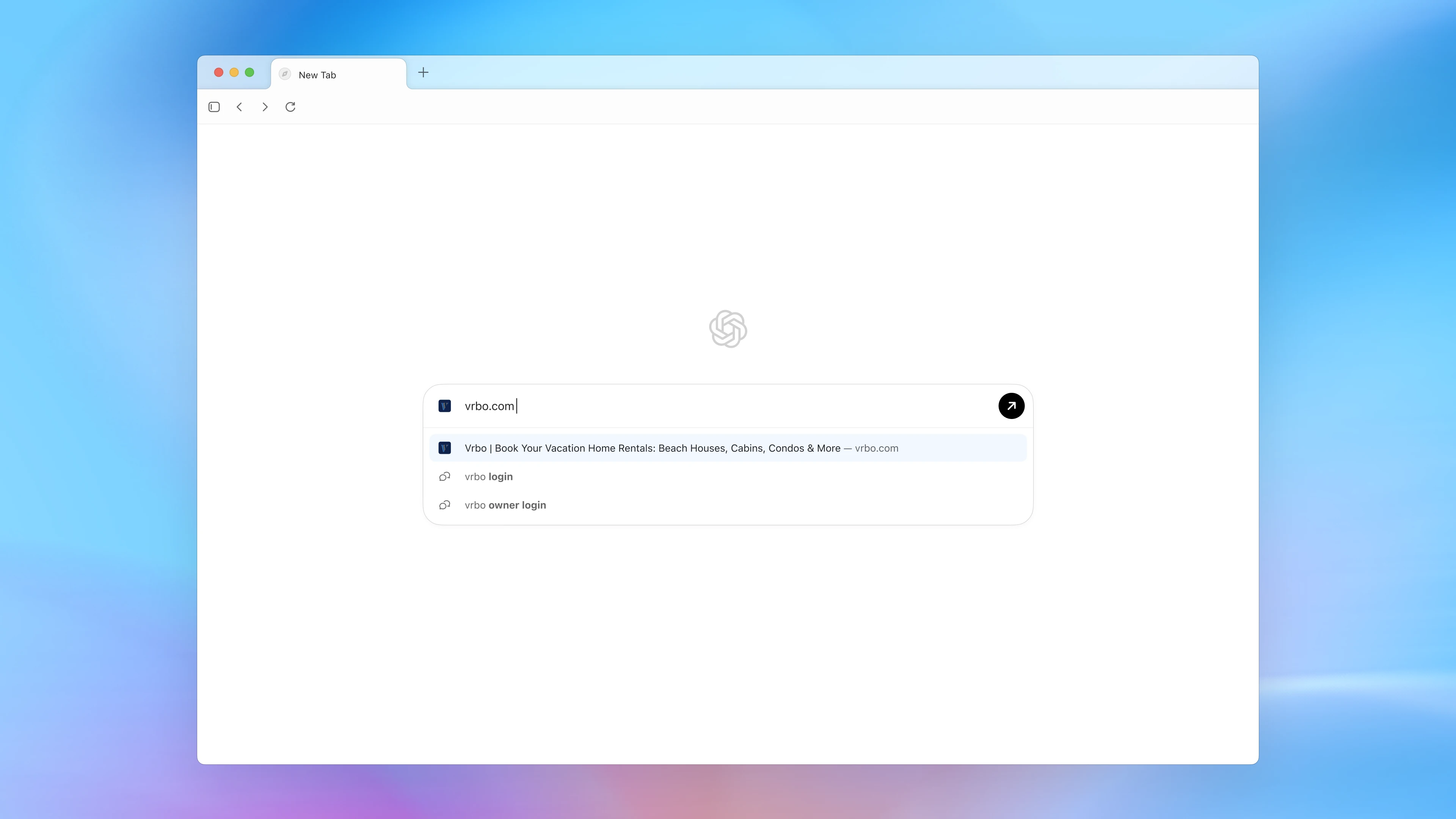
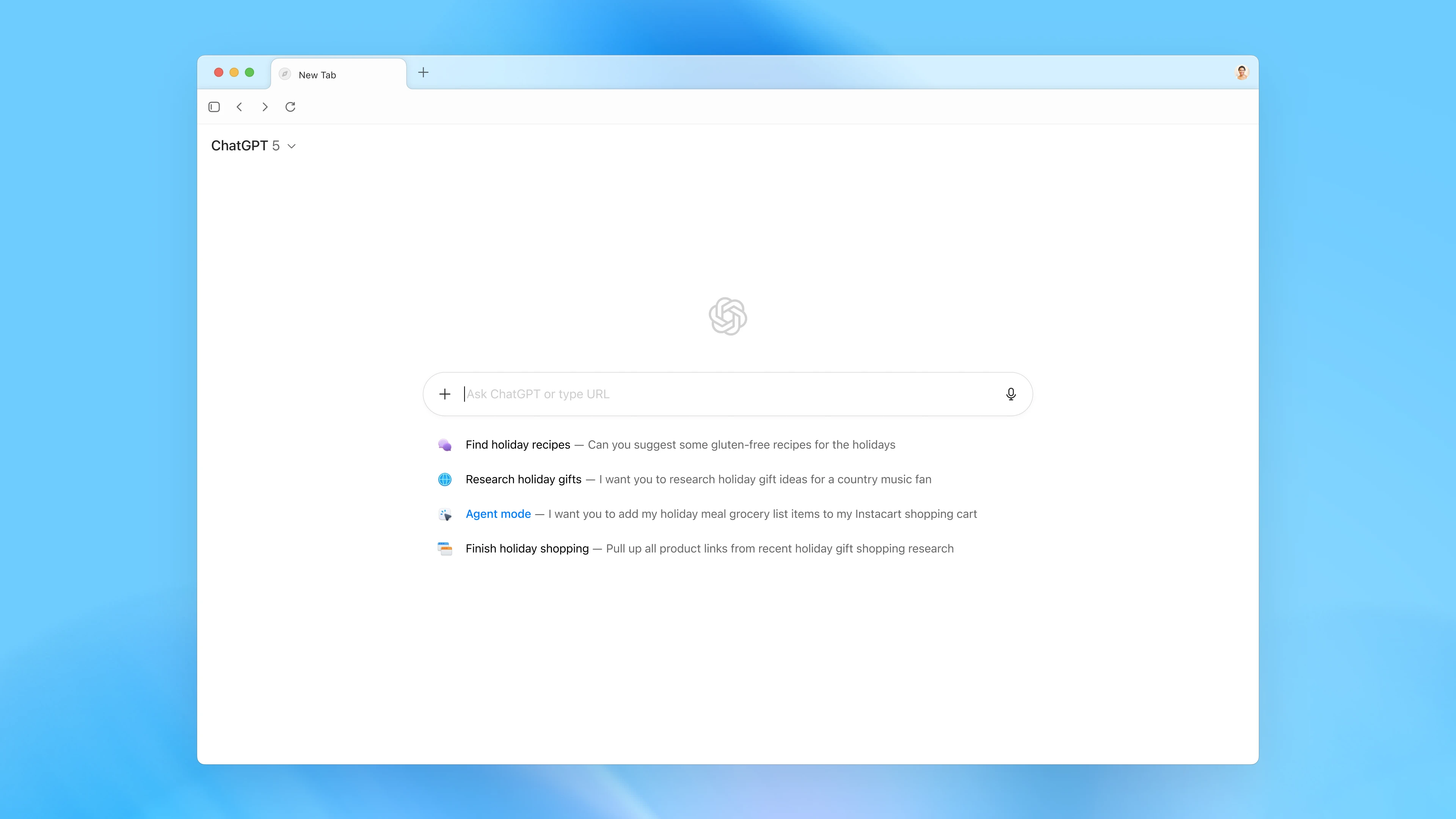
With Atlas, ChatGPT accompanies you seamlessly across the web, assisting you right within your current window without the need for copying, pasting, or navigating away. Its built-in memory feature allows conversations to draw from past chats and details, enabling more personalized and efficient task completion. As one early tester, Yogya Kalra, shared: “During lectures, I like using practice questions and real-world examples to really understand the material. I used to switch between my slides and ChatGPT, taking screenshots just to ask a question. Now ChatGPT instantly understands what I’m looking at, helping me improve my knowledge checks as I go.”
The browser grows smarter with use through browser memories, which allow ChatGPT to retain context from visited sites and recall it when needed. You could ask questions like “Find all the job postings I was looking at last week and create a summary of industry trends so I can prepare for interviews.” These memories are completely optional, and you maintain full control—viewing, archiving, or deleting them through settings at any time.
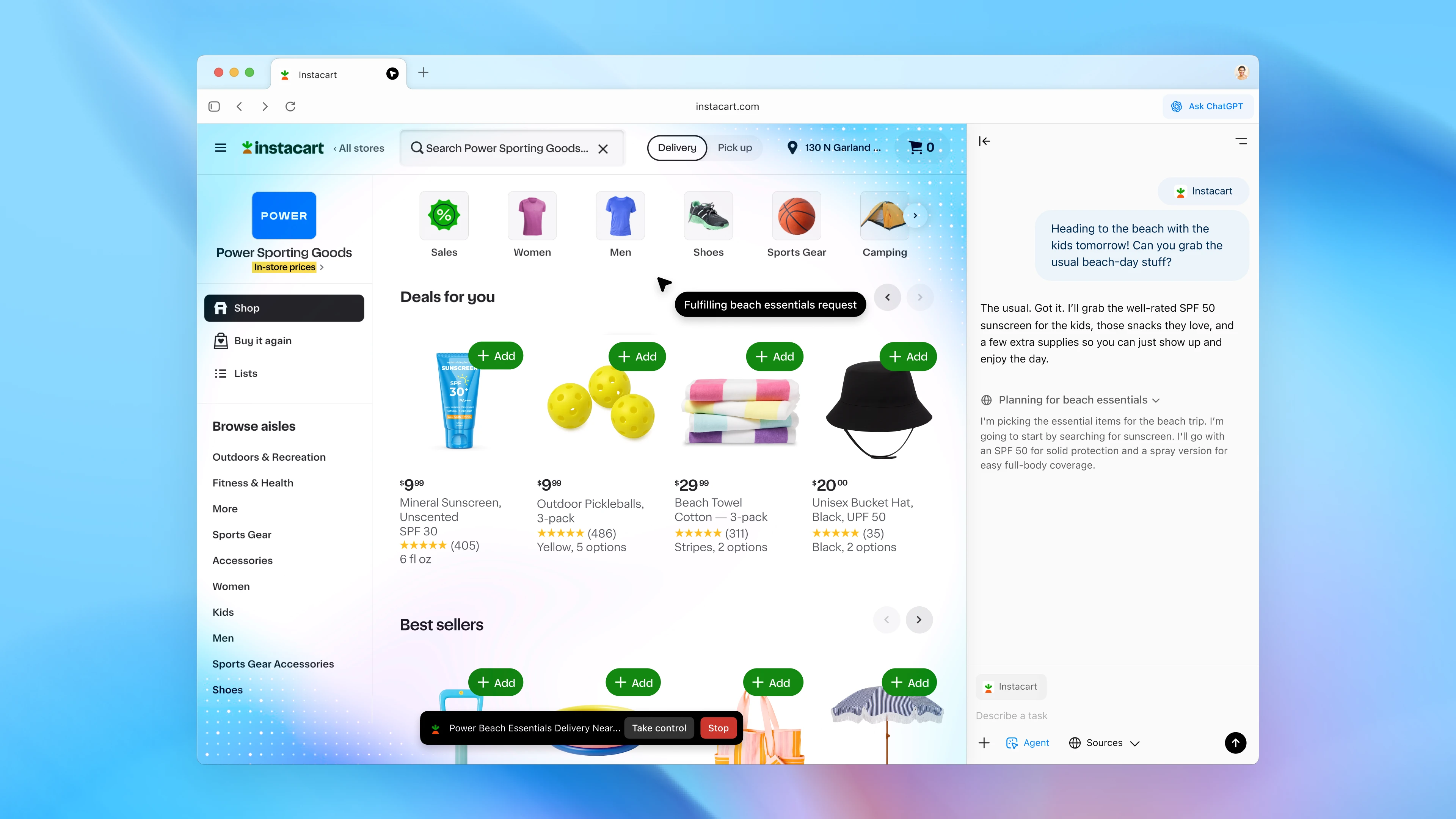
Atlas introduces powerful agent mode capabilities, enabling ChatGPT to perform tasks directly within your browser. Whether you’re planning a dinner party and need ingredients ordered to your doorstep or compiling competitive research into a team brief, the agent can open tabs, click through sites, and complete workflows on your behalf. This feature is now available in preview for Plus, Pro, and Business users, with ongoing improvements to reliability and complex task success.
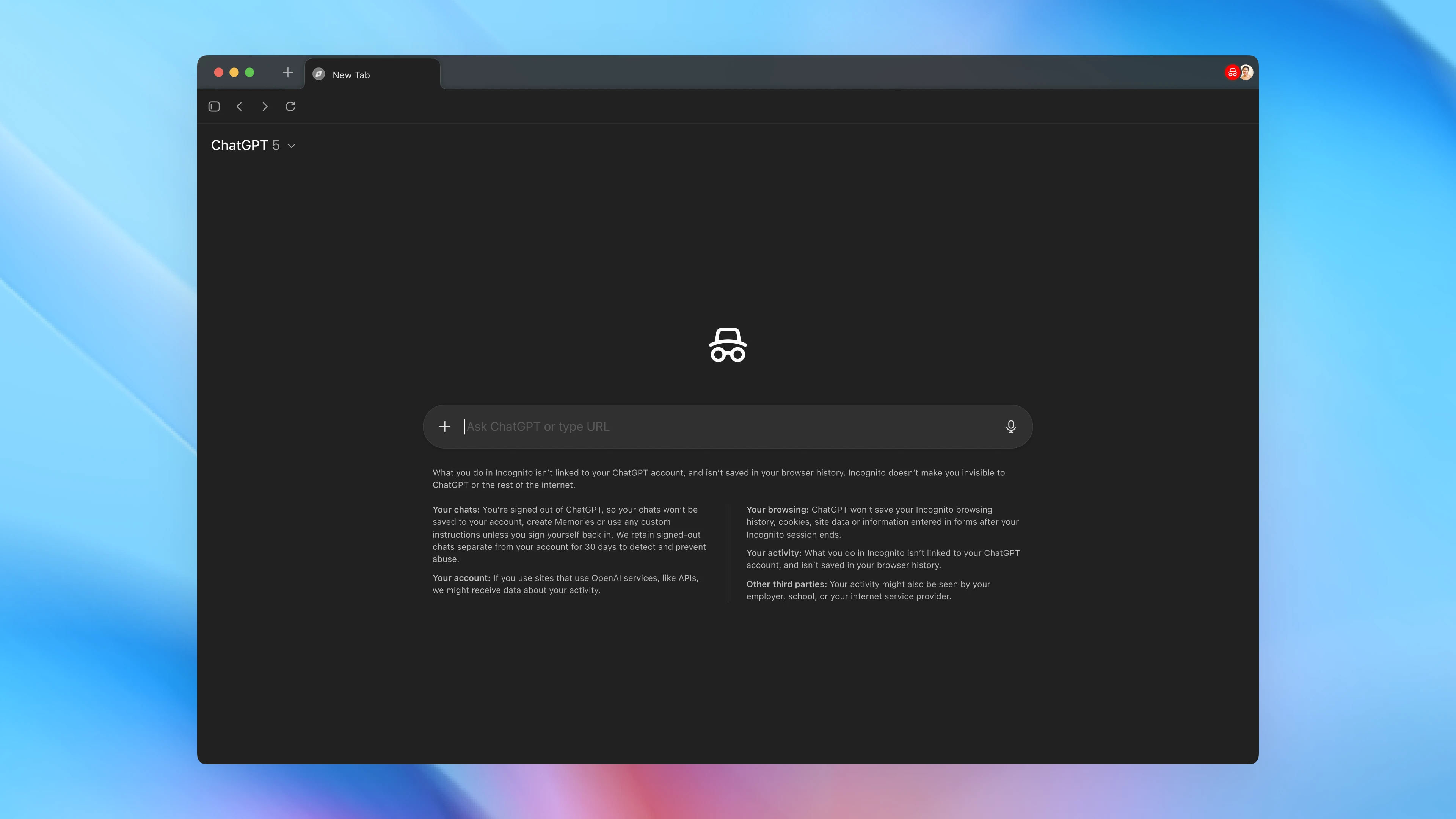
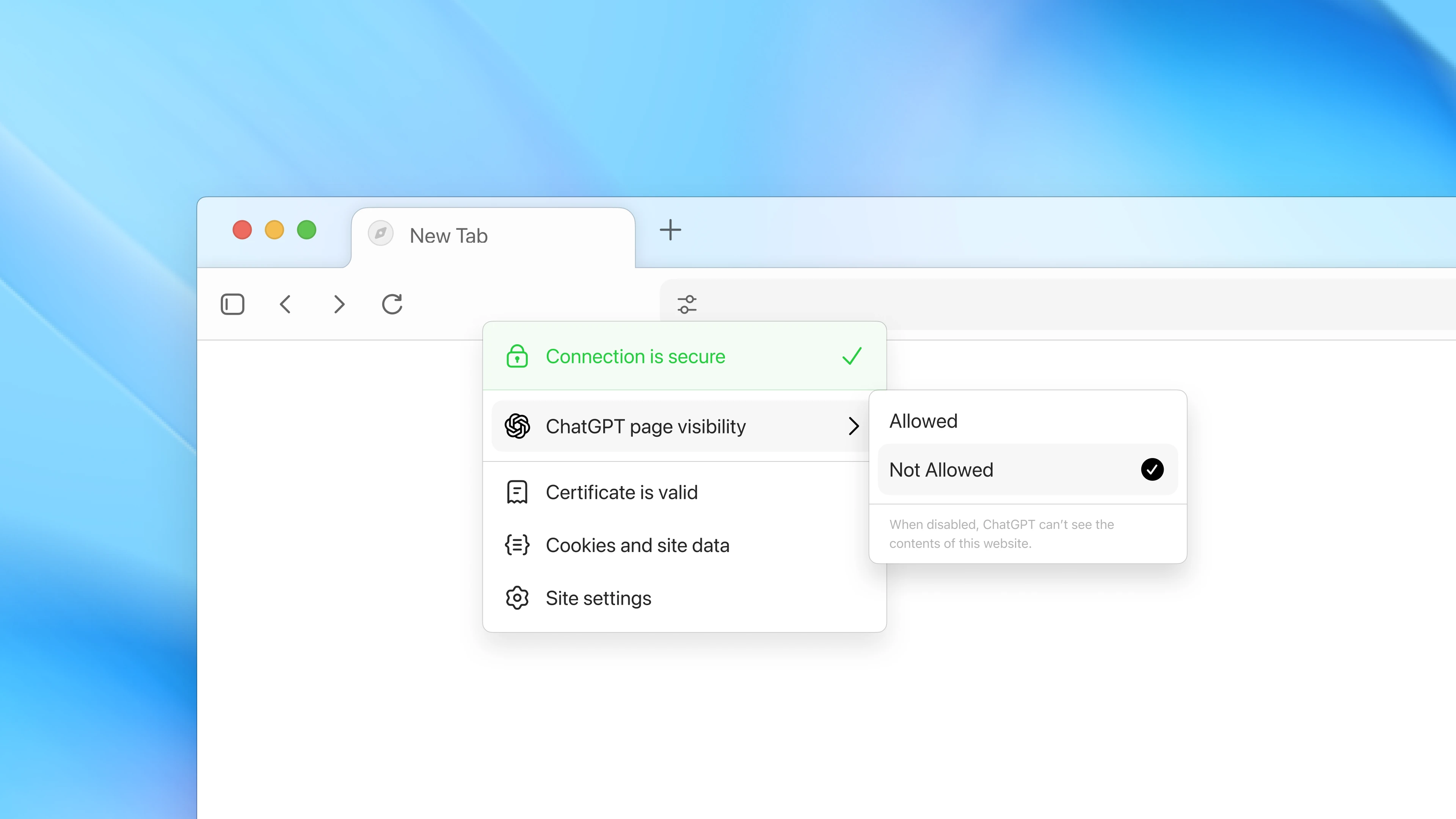
Privacy and control remain paramount in Atlas’s design. You determine what ChatGPT can see and remember while browsing. Clear specific pages or entire history, use incognito mode to temporarily log out, or toggle page visibility in the address bar to prevent content viewing and memory creation. Browser memories are private to your account, and by default, browsing content isn’t used to train models—though you can opt-in through data controls if desired.
Safety measures for agent mode include restrictions against running browser code, downloading files, accessing other computer apps, and pausing on sensitive sites like financial institutions. Parental controls extend to Atlas, with options to disable browser memories and agent mode for added security.
ChatGPT Atlas launches worldwide on macOS today for Free, Plus, Pro, and Go users, with beta availability for Business and potential access for Enterprise and Edu users. Windows, iOS, and Android versions are coming soon. Getting started is straightforward—download at chatgpt.com/atlas, sign in, and import bookmarks, passwords, and history from your current browser.
This release represents just the beginning of Atlas’s evolution, with future updates planned for multi-profile support, enhanced developer tools, and improved app discoverability. Website owners can optimize their sites for ChatGPT agent functionality by adding ARIA tags. Follow along with new features and improvements through the official release notes as we continue shaping the future of agentic web browsing.