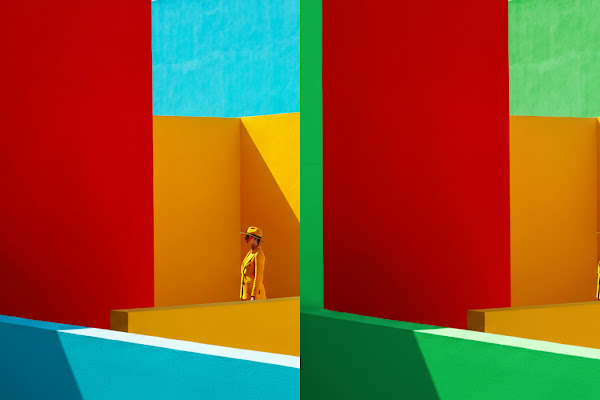
The Gemini app has just received a major upgrade to its native image editing capabilities, powered by a new model from Google DeepMind. This enhancement is designed to give you unprecedented control over your photos while ensuring that edits look natural and consistent. Whether you’re tweaking personal pictures or experimenting with creative ideas, the updated tool makes it easier than ever to achieve professional-looking results.

One of the standout features of this update is its focus on maintaining likeness consistency. When editing photos of people or pets, the model ensures that subtle details—like facial features and expressions—remain true to the original. This means you can confidently change outfits, blend images, or apply new styles without worrying about the subject looking “off.” For example, you could try a retro 60’s hairstyle on yourself or dress up your pet in a tutu, and the result will still feel authentic.

The advanced editing options open up a world of creative possibilities. You can upload a photo and instruct Gemini to change costumes or locations while keeping the subject’s appearance intact. Blend multiple photos together to craft entirely new scenes, such as placing you and your dog on a basketball court for a fun portrait. Multi-turn editing allows you to build upon previous changes—start with an empty room, add wallpaper, then furnish it step by step. Additionally, you can mix designs by applying the style of one image to another, like transferring the texture of flower petals to a pair of rainboots.
All edited or created images in the Gemini app include both visible and invisible SynthID watermarks to clearly indicate they are AI-generated. This upgrade is available now, so dive in and explore how you can transform your visuals with ease and precision.